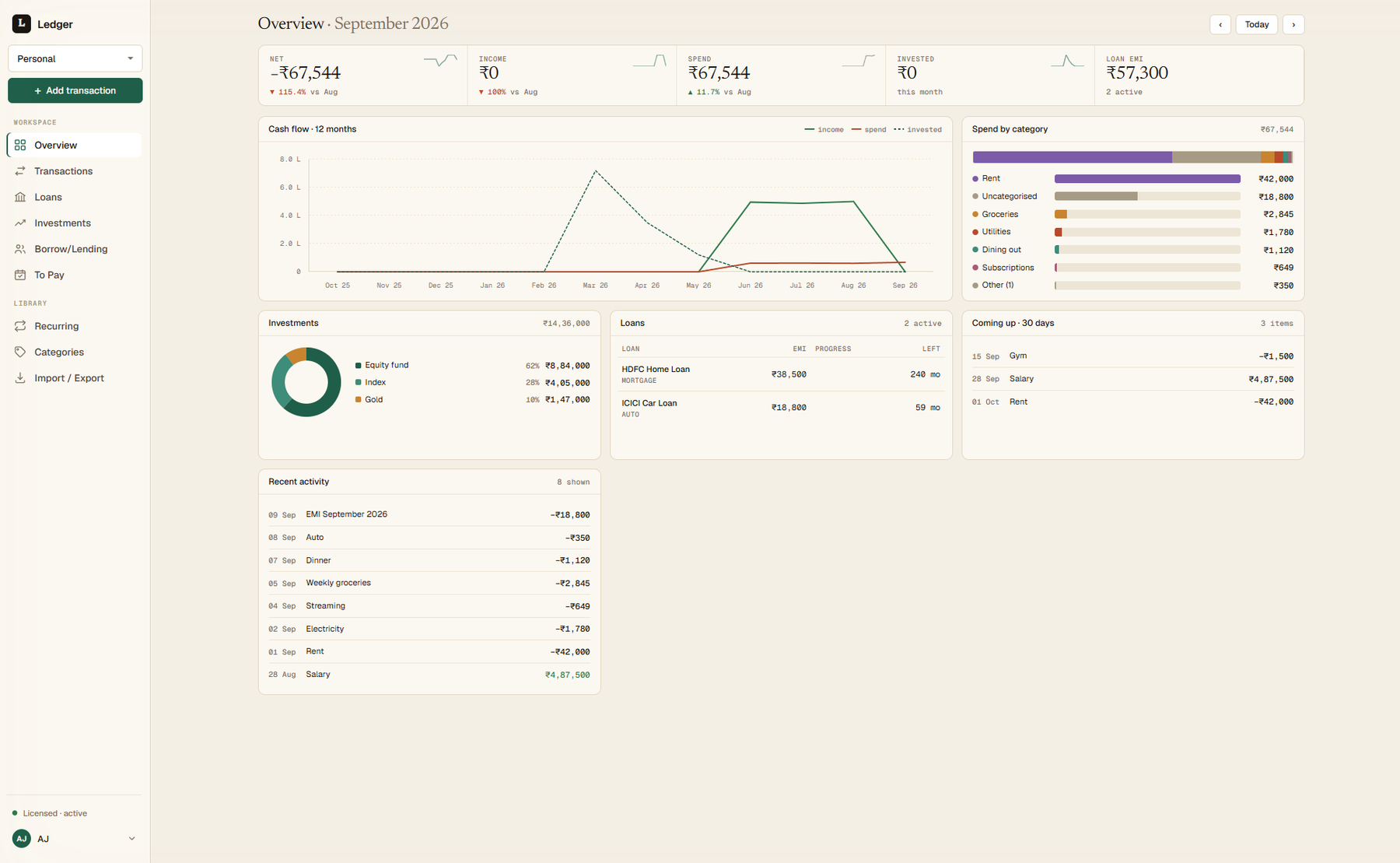
A fast, private expense tracker for your desktop. Your months, loans, and investments on one screen, with no accounts, no cloud, and no noise.
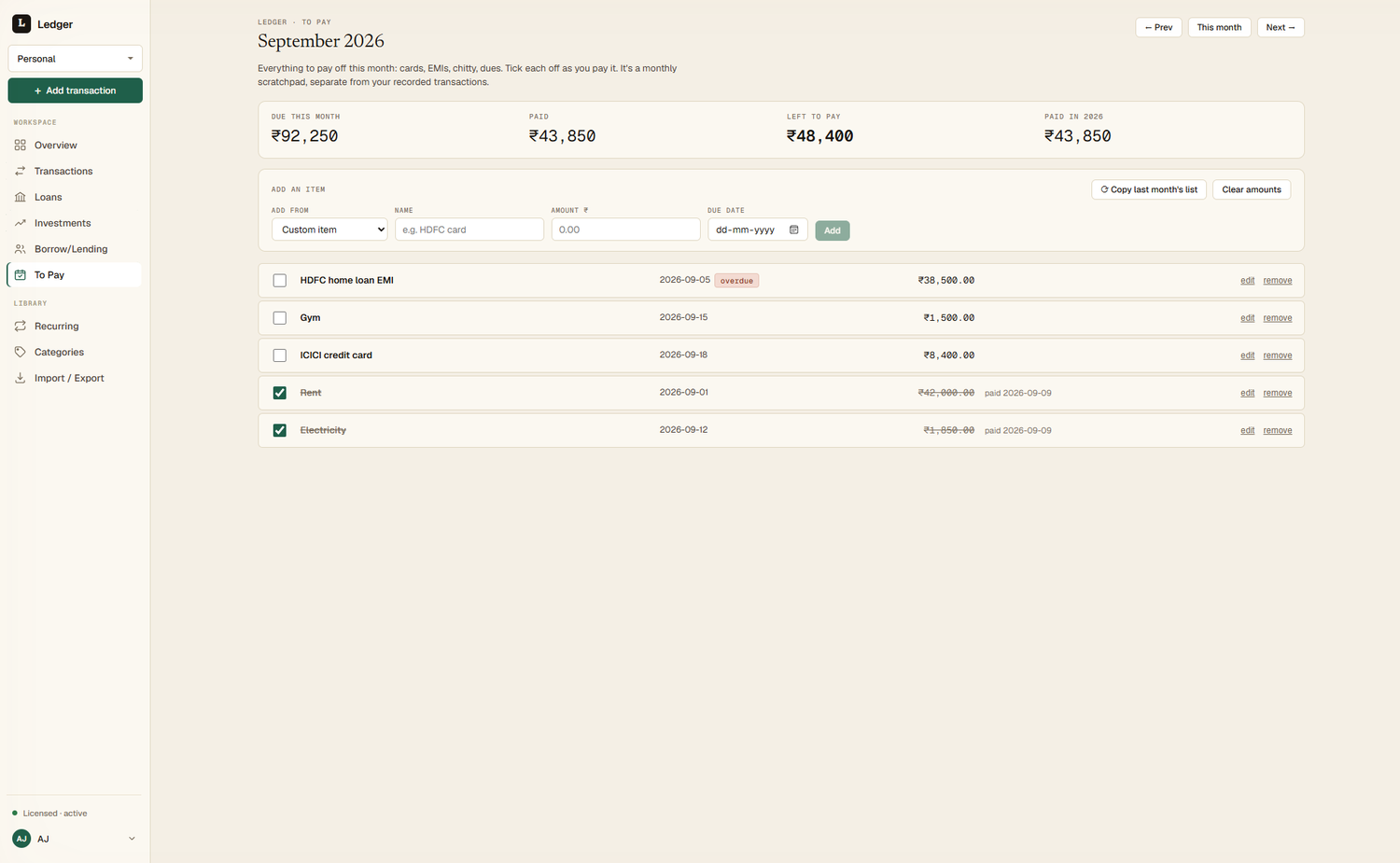
Ledger organises your money the way you actually think about it: planned bills, loans, the miscellaneous, and what you put away.
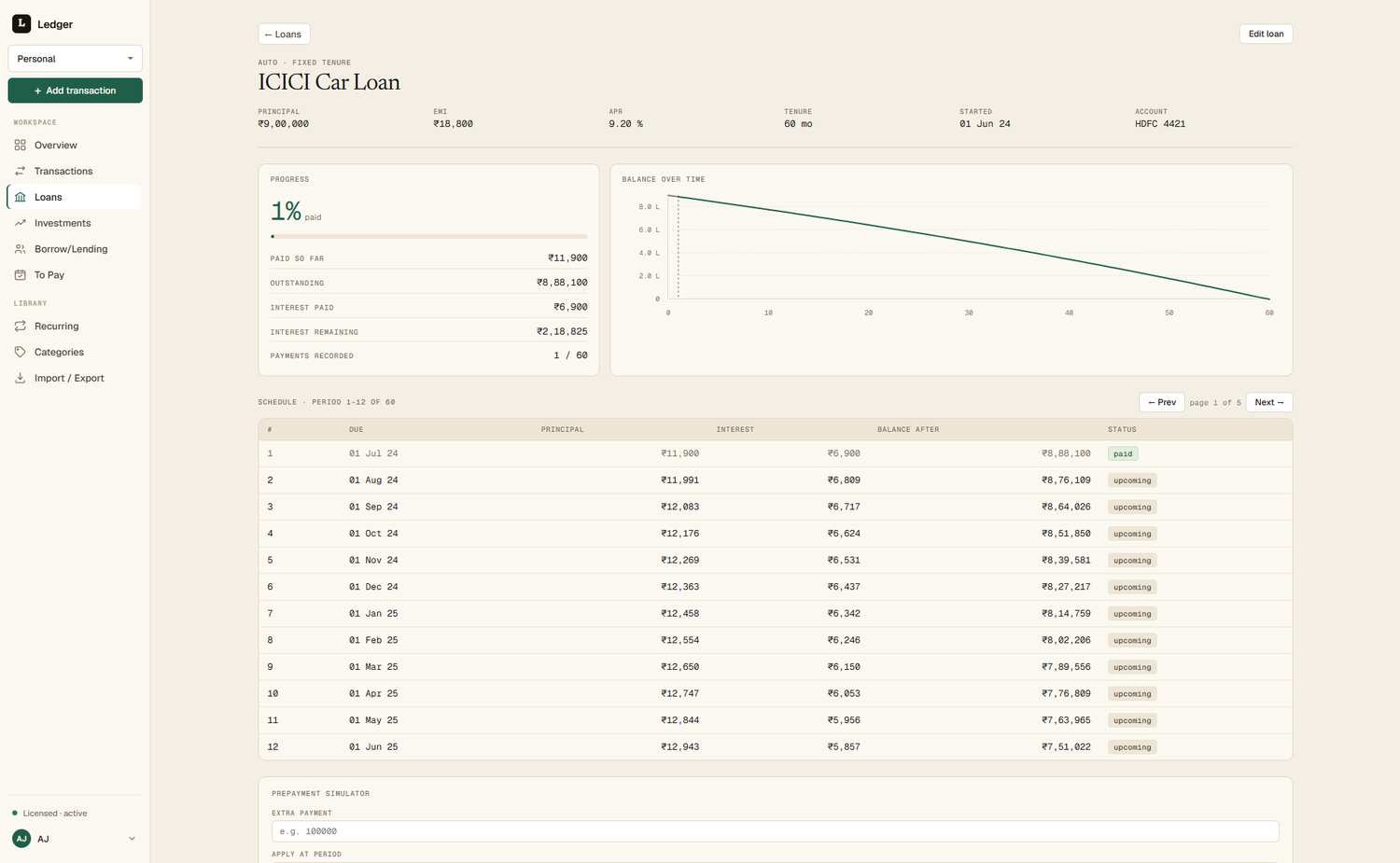
Home, auto, and personal loans, each with a full reducing-balance amortisation schedule and a prepayment simulator that shows the interest you'd save.
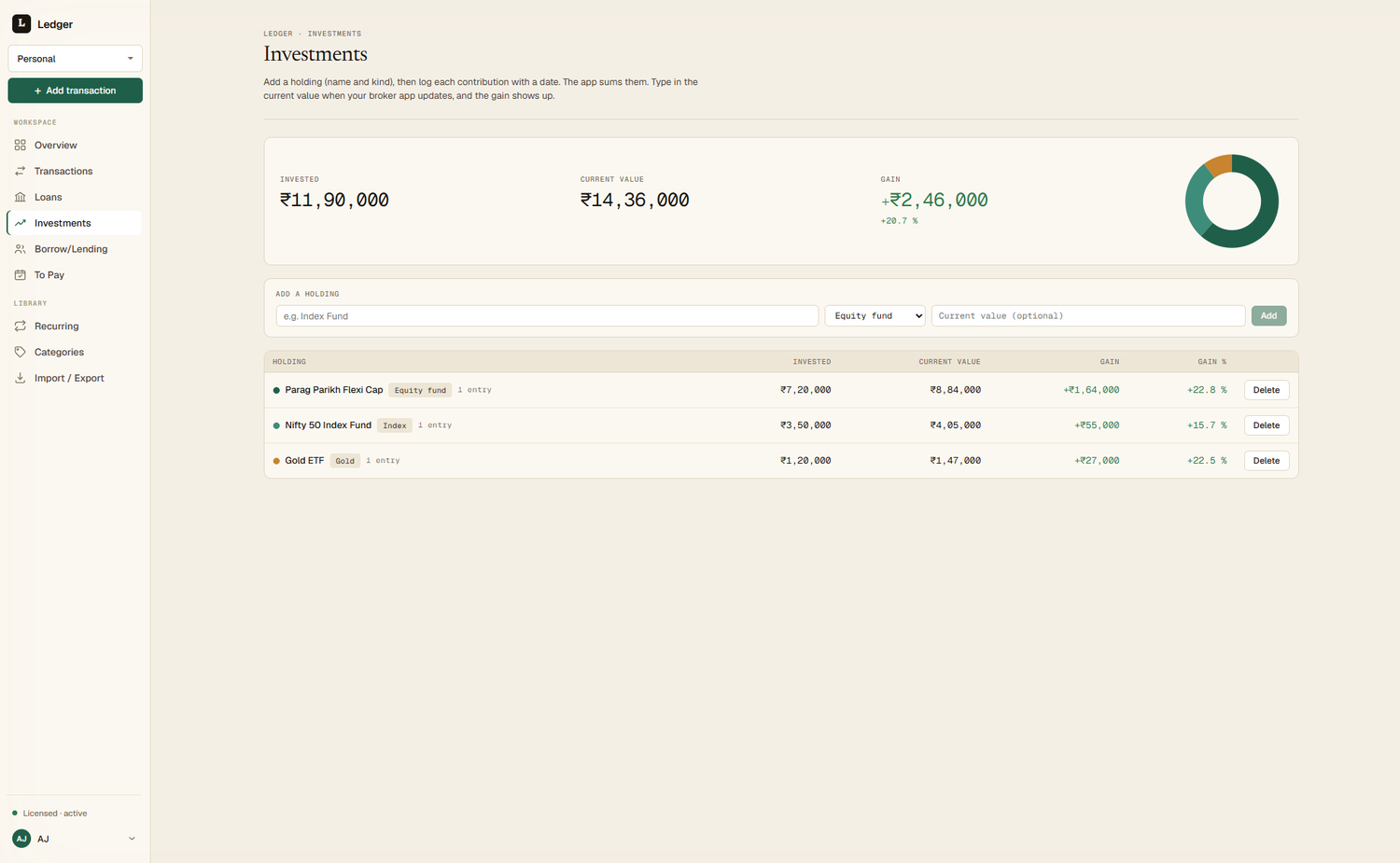
A holdings list with an allocation donut that shows how your money is spread. Update current values when you like, with no live-price noise and no broker logins.
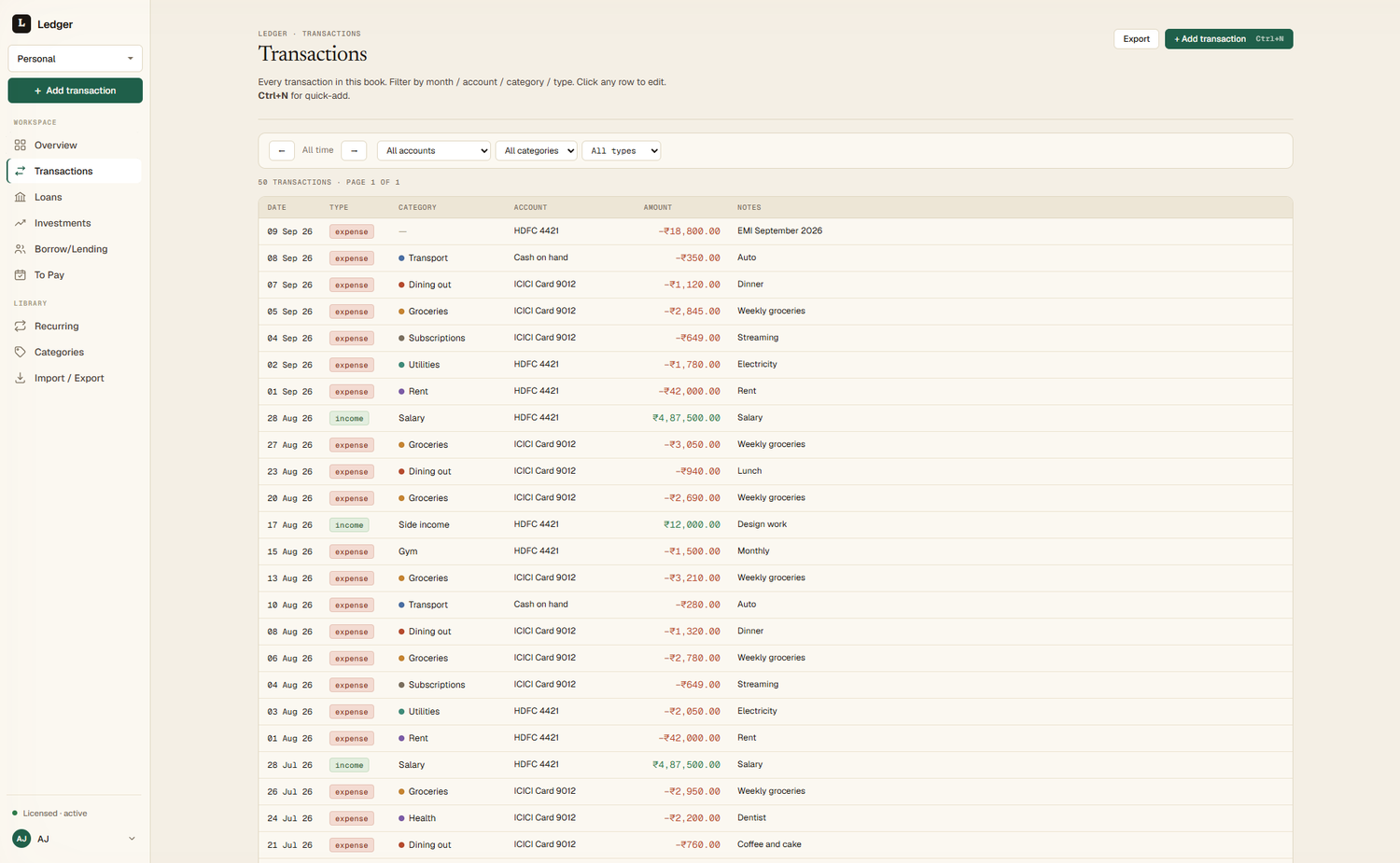
Export your whole ledger to a documented set of CSVs and re-import it without losing a single row. The schema is yours to keep.
Keep separate books on a single licence. Switch in one click, and every screen, total, and report follows the book you're in.
Ledger has no account to create and no server to phone home to. The only thing that leaves your machine is a software-update check.
Every transaction lives in an encrypted SQLite database on your own disk. Not our cloud, yours.
No email to sign up, no analytics watching what you do. A crash report is opt-out and never carries your amounts.
Board a flight, lose your wifi: Ledger doesn't care. Everything works without a connection, forever.
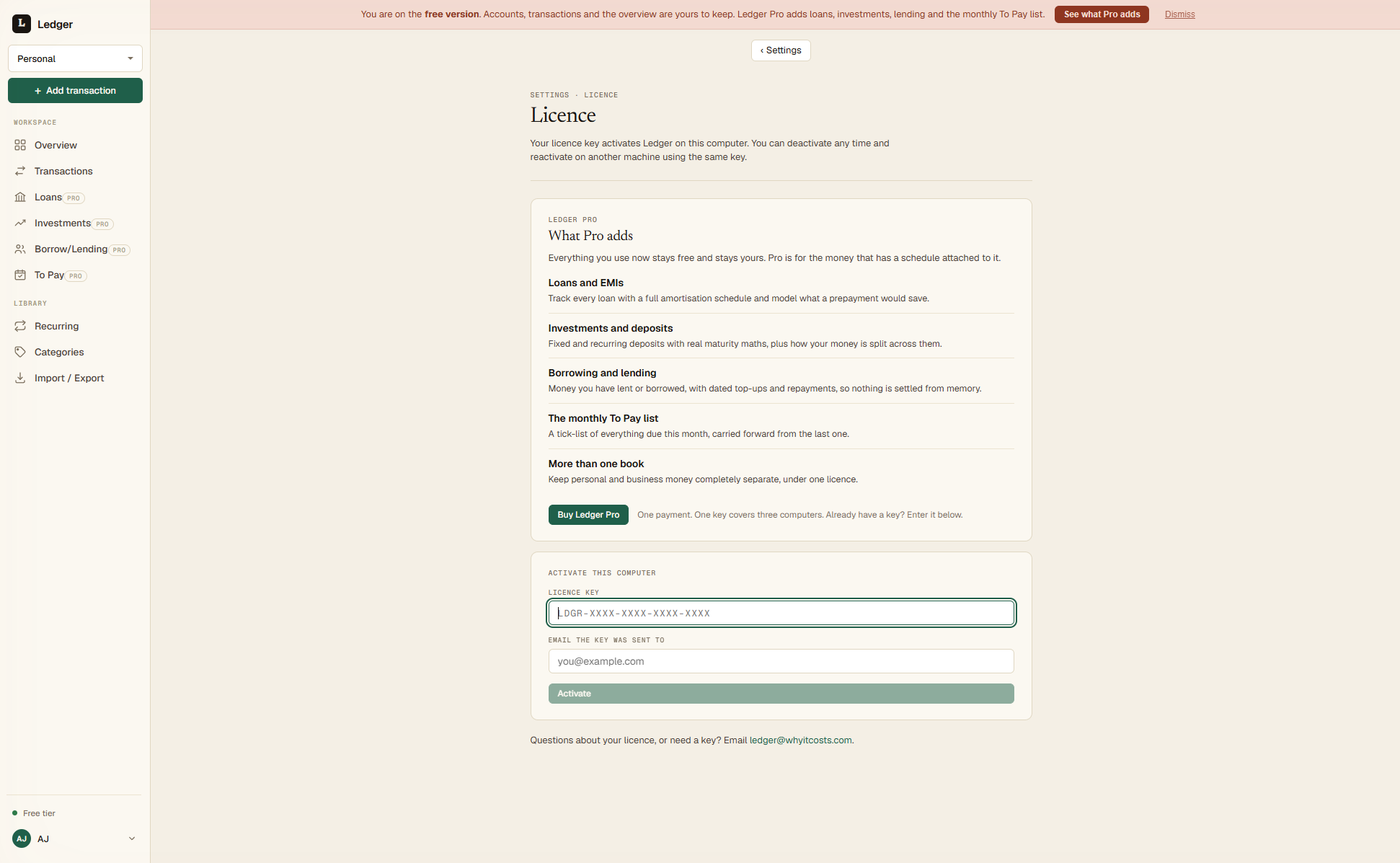
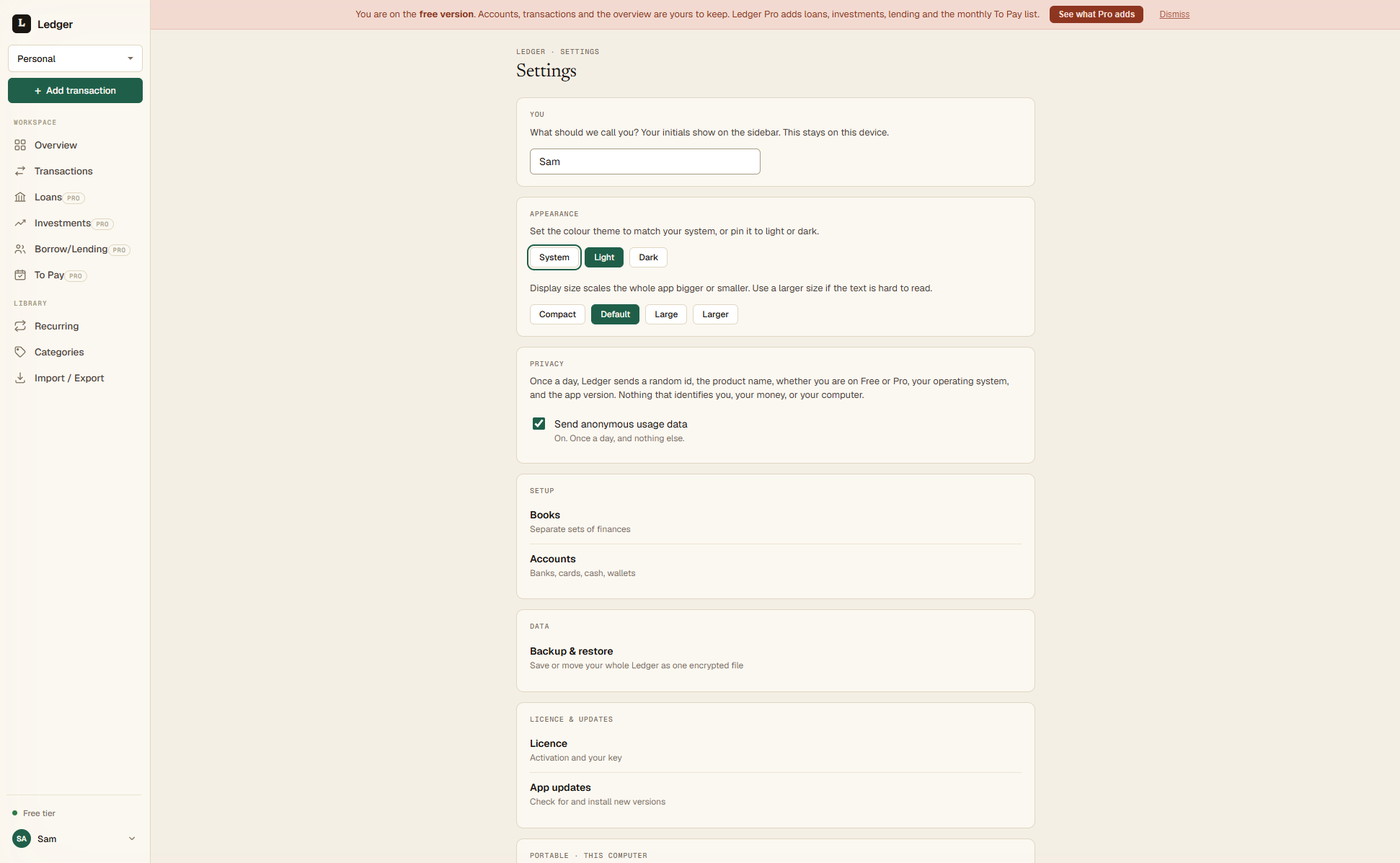
Data-dense where it counts, calm everywhere else. Scroll through a few of the screens you'll live in.
Ledger activates with a licence key. Request one at ledger@whyitcosts.com. Until you activate, the app stays read-only: you can view and export, but not add or edit.
Need a licence key? Request one at ledger@whyitcosts.com
Download Ledger for Windows, then request a licence key at ledger@whyitcosts.com. View and export right away; activate to add and edit.